CSV & Excel cleanup
Duplicates, mixed date formats, stray spaces, names in three spellings. Up to 5,000 rows with a cell-by-cell change log.
Starter $40 · Full job from $105

Data cleanup · Spreadsheets · Small automations
Send the spreadsheet nobody wants to touch. I clean it, keep your IDs and ZIP codes exactly as they were, and hand back a list of every cell I changed. If a value is missing, I flag it. I don't make one up.
Services
Every service has three tiers. Starter is a read-only check of your file plus a fixed quote, and its fee comes off the full job if you go ahead.
Duplicates, mixed date formats, stray spaces, names in three spellings. Up to 5,000 rows with a cell-by-cell change log.
Starter $40 · Full job from $105
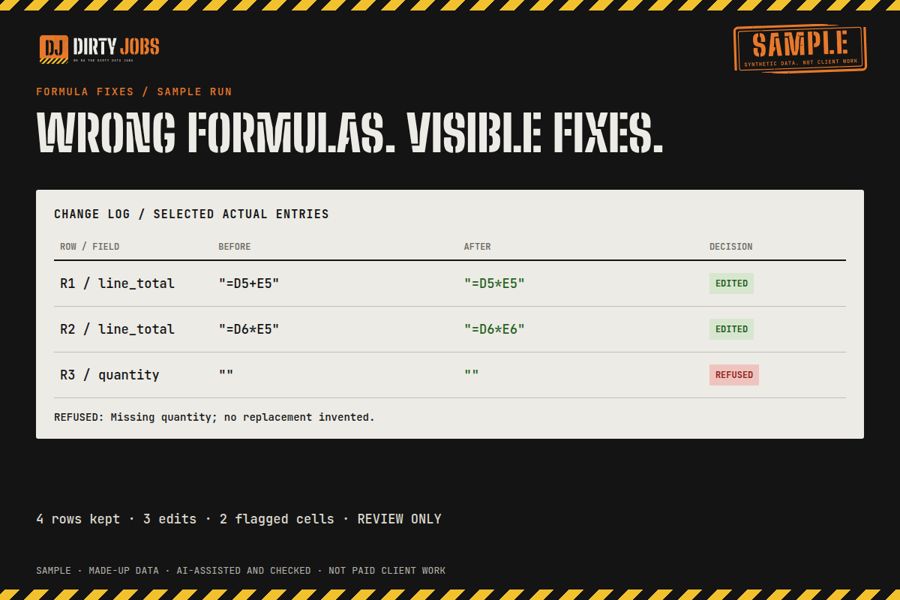
VLOOKUPs that return #N/A, SUMIFS that miss rows, sheets that broke when someone inserted a column. Up to 5 formulas, each one documented.
Starter $40 · Full job from $115
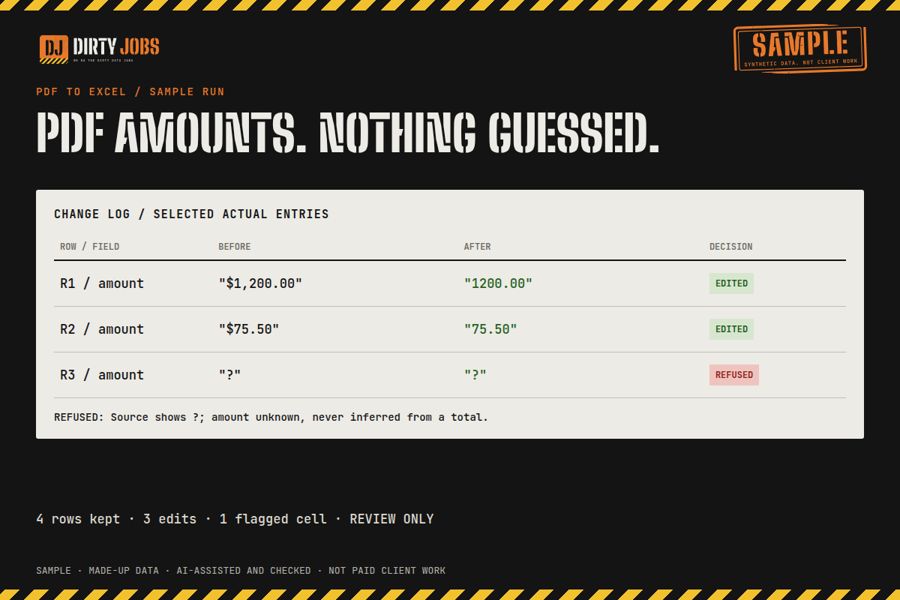
Text-based PDF tables into a clean sheet, with the source page on every row and totals checked against the PDF.
Starter $40 · Full job from $115
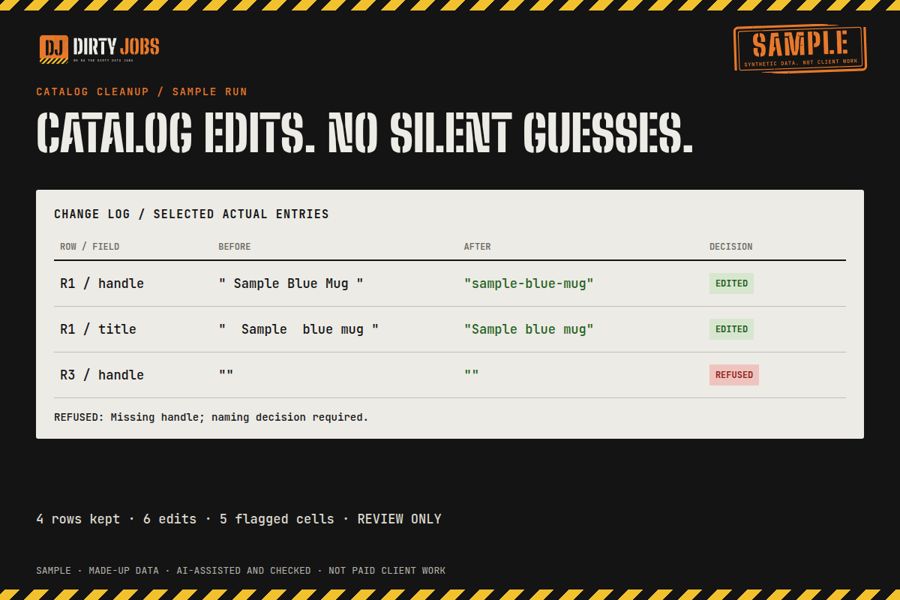
The same product under three SKUs, variants with no parent, one customer with four records. IDs, prices and stock stay untouched.
Starter $40 · Full job from $125
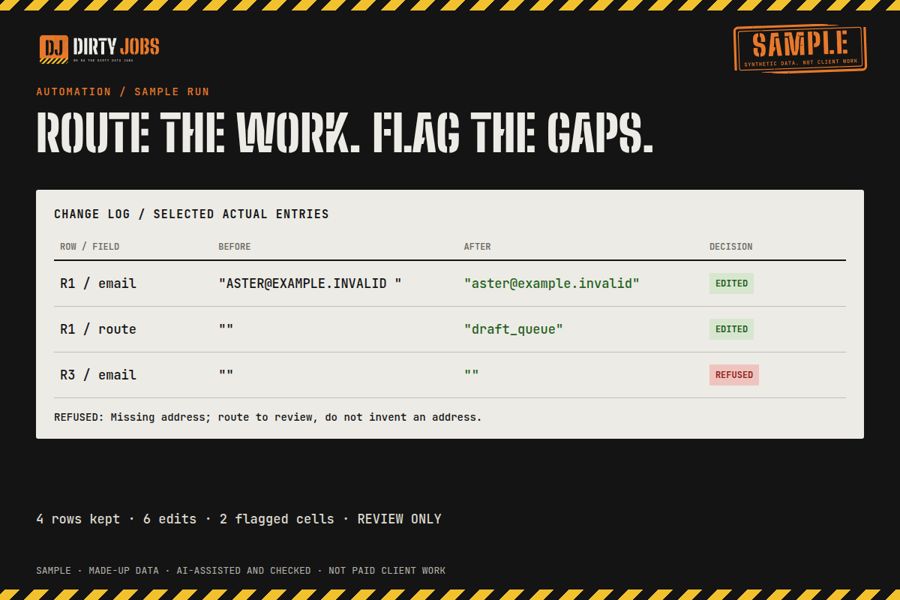
A workflow that used to run and now fails, skips or doubles up. I fix it in your sandbox and hand back the tests and a rollback note.
Starter $40 · Full job from $155
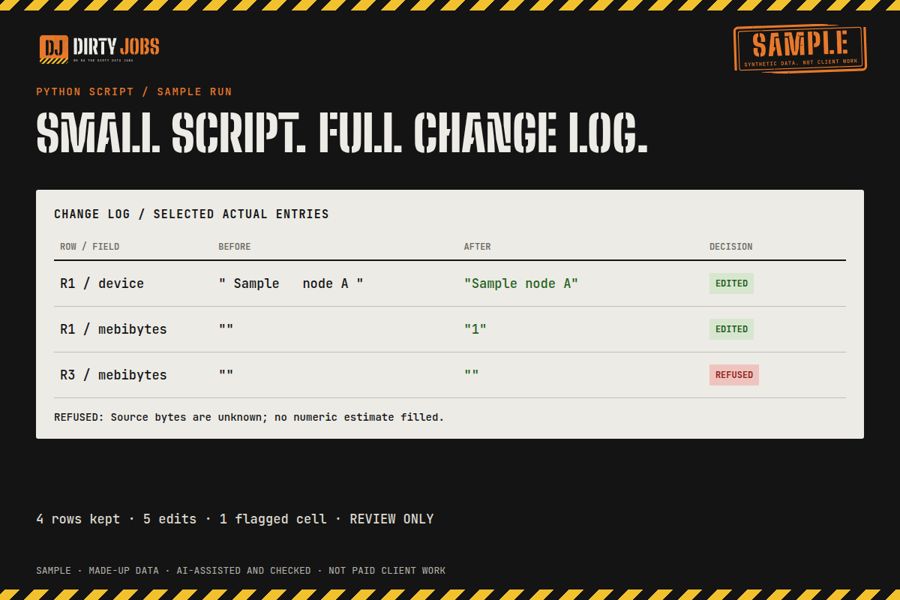
The weekly export you reshape by hand, turned into one script you can run yourself. Comes with a README, sample files and tests.
Starter $40 · Full job from $145
Bigger files or unusual jobs get their own quote. Prices are in USD and can differ slightly by marketplace because of platform fees.
The checks
They catch the mistakes that make people afraid to hand off their data.
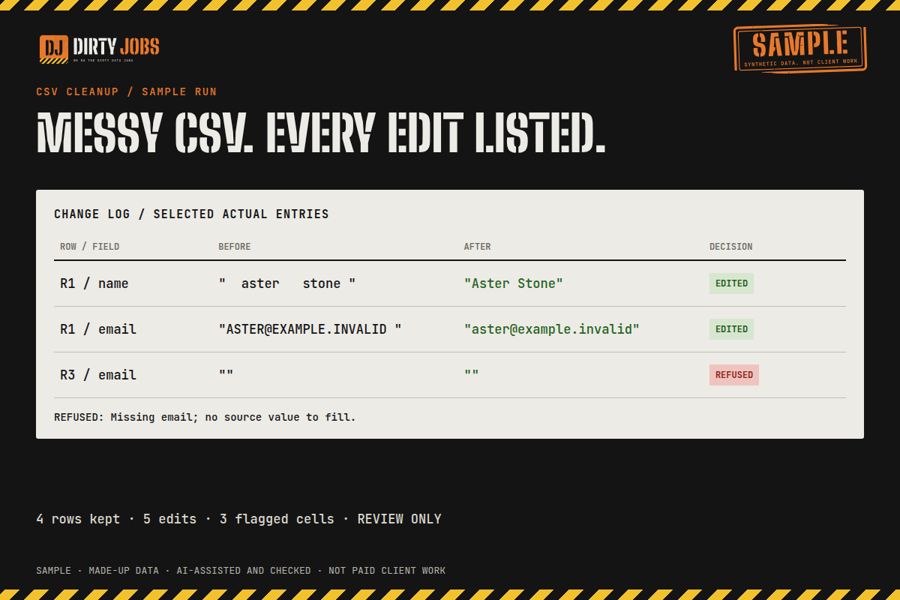
Each edited cell shows up in the change log with its row, column, old value and new value.
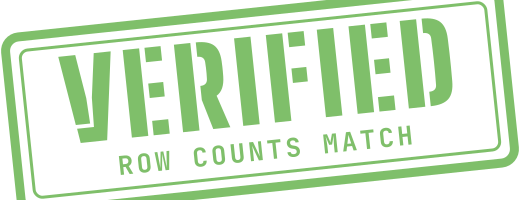
If the counts differ, every missing or merged row is explained by row number.
IDs, ZIP codes, SKUs and account numbers you mark as protected come back byte for byte, leading zeros included.
A separate check compares your file with the output and fails the job if anything changed outside the rules we agreed.
How it works
Column headers, about 50 rows, the row count, and what "clean" means to you.
You get one price, one delivery date, and the rules I'll follow. No hourly meter.
The cleaned file, your untouched original, the change log, and a list of anything flagged for you to decide.
Samples
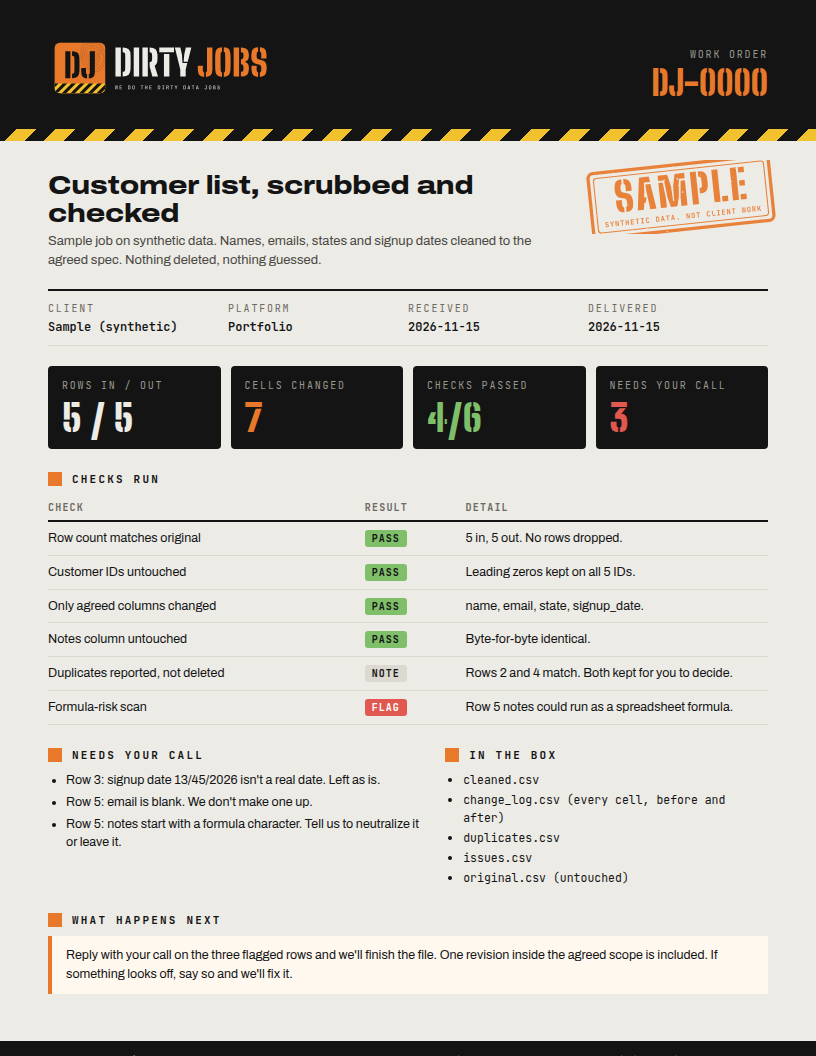
These samples use made-up data, so no client files are shown. Each one includes the messy input, the cleaned output, the change log and the check results.
Work order (PDF) Rows in and out, protected columns, the four checks, and the change log summary.
An excerpt from the CSV cleanup sample's change log. Rows in and out: 4 / 4. Customer IDs and ZIP codes came back unchanged, leading zeros included. The blank email stays blank, and the duplicate address is flagged for the client to decide.

Who does the work
I've spent 20 years in tech, in datacenters, virtualization, development, engineering and data quality. In a datacenter nothing changes without a record and a way back. I run spreadsheets the same way.
Software does the repetitive passes and runs the checks. I read every flagged item and every check result before a file goes back to you.
Limits: I don't log into your live systems. Send an export and you import the result. I don't merge records that only look alike unless you give me the rule.
Get a quote
Every marketplace below holds your payment until the work is delivered. Or send your file details by email and I'll reply with a fixed price, usually within a few hours.
Email contact@dirtyjobs.pro